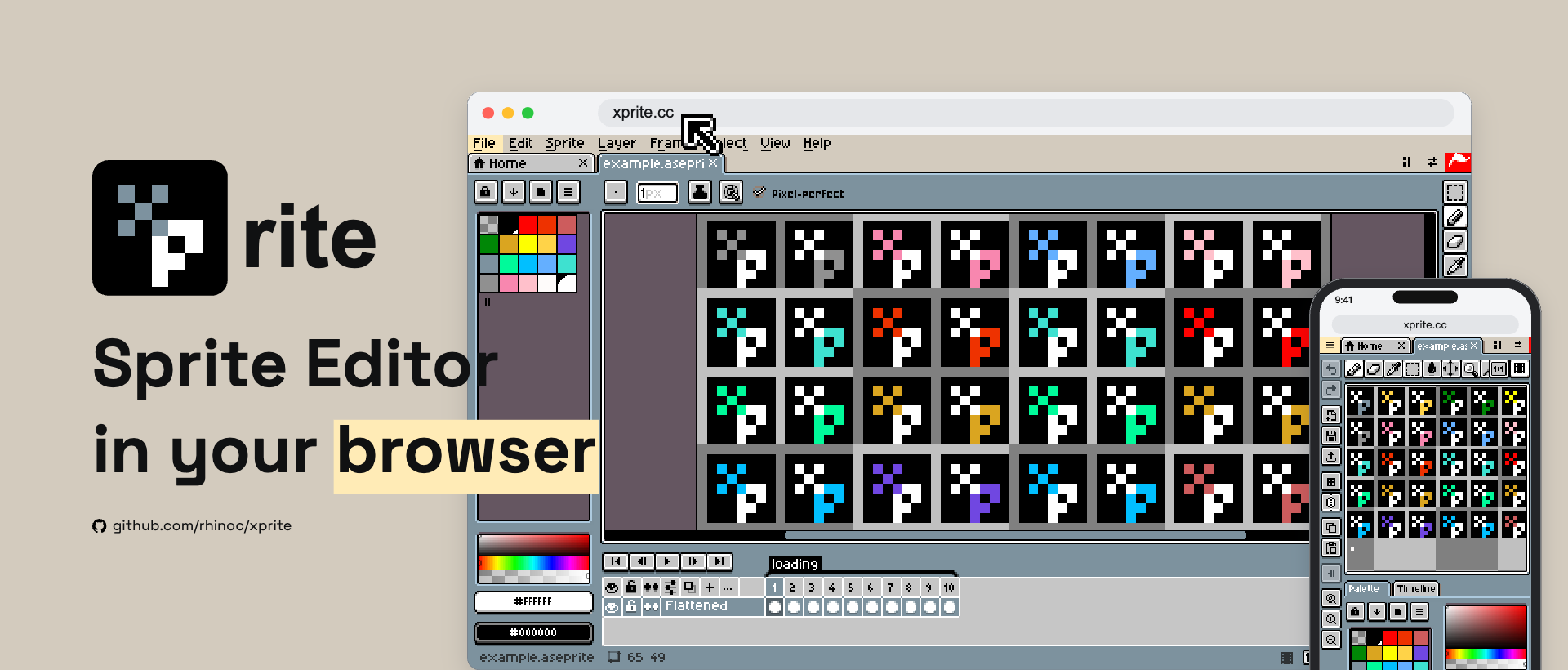
Xprite
Pixel art and animation, right in your browser.
Standalone editor · Source code · Report a bug · Support development
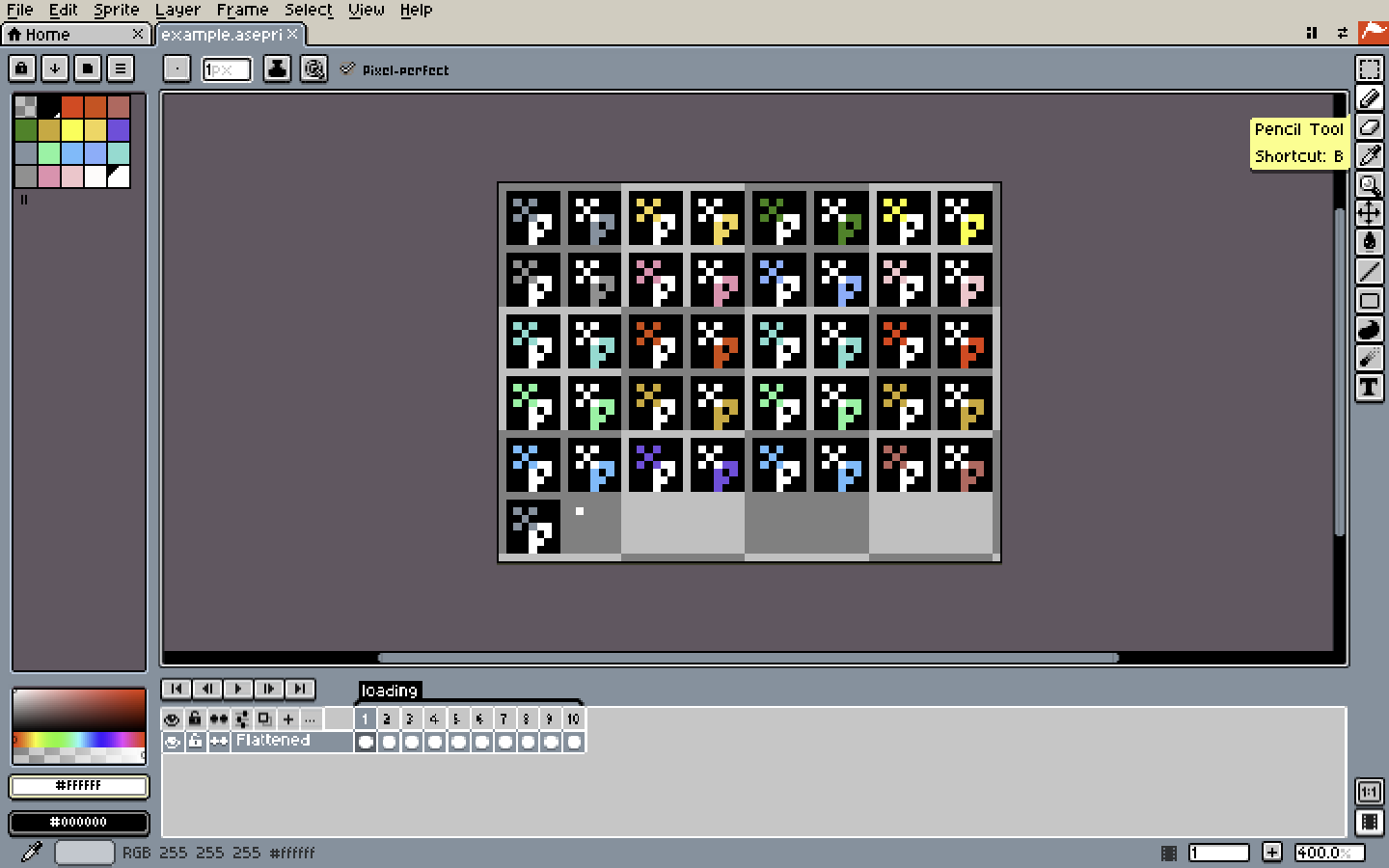
Xprite is a free, open-source pixel art editor for drawing sprites, creating animations, and working on game assets. No installation or account required.
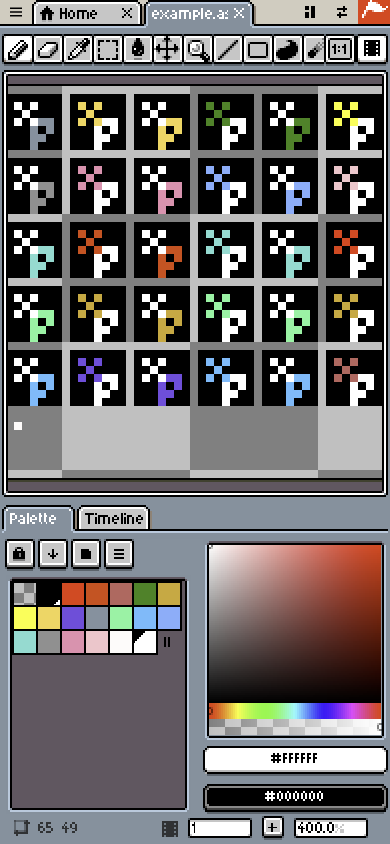
Inspired by Aseprite and LibreSprite, it brings familiar drawing tools and editing workflows to desktop, tablet, and phone browsers. Open a project, arrange your workspace, and start creating with a mouse, trackpad, touch, or stylus.
WHAT YOU CAN DO
- Draw with pixel brushes, shapes, fills, selections, and text.
- Organize artwork with layers, animation frames, and tags.
- Preview animations and export images, GIFs, and sprite sheets.
- Open and save
.ase/.asepriteprojects. - Move, resize, combine, and float panels to build your own workspace.
- Use touch gestures and a shortcut toolbar when drawing without a keyboard.
- Switch between English and Simplified Chinese.
GETTING STARTED
Click Run tool above to launch the editor. Fullscreen gives you more room to work.
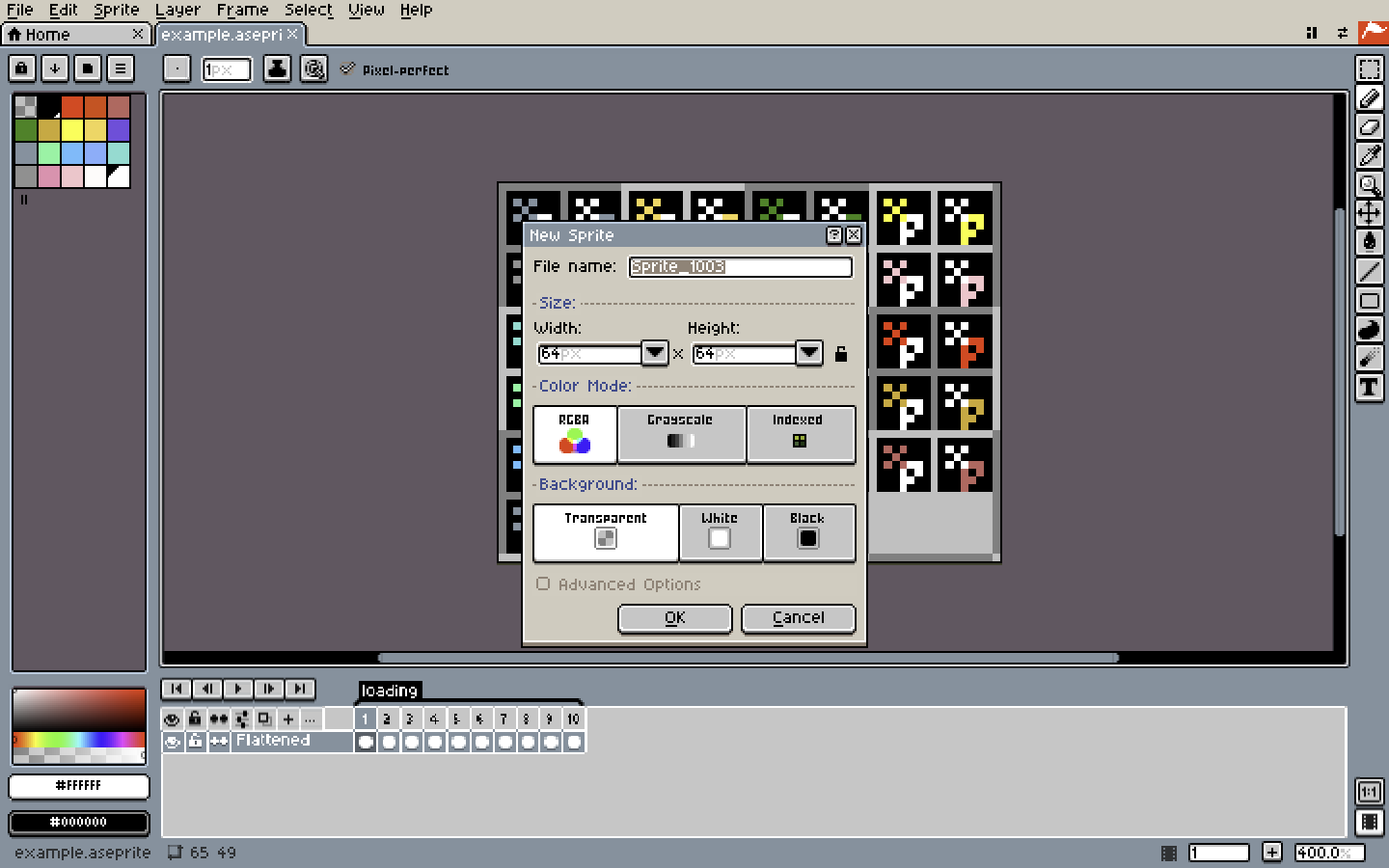
Choose New File to start drawing, Open File to edit an existing project, or open the bundled example to explore the tools.
Save your project as an .ase / .aseprite file to continue editing later. Export an image, animation, or sprite sheet when you are ready to use your artwork elsewhere.
YOUR WORK STAYS LOCAL
Artwork is processed on your device. Projects saved in the browser stay in that browser and do not automatically sync between devices. Save downloadable project files to keep independent copies of your work.
Xprite uses PostHog for limited usage statistics and error reports. Artwork and project file contents are not sent to PostHog.
CURRENT LIMITATIONS
Xprite is still in development. Browser support and permissions can affect file access, clipboard operations, and screen color picking. Large projects also depend on your device’s memory and performance.
Not every Aseprite feature is implemented. Xprite does not run Aseprite scripts or extensions, and file-format support does not guarantee complete compatibility with every project. Keep your original files when trying an existing project.
CREDITS & LICENSES
Xprite is an independent project, not affiliated with or endorsed by Aseprite or Igara Studio S.A.
- The editor application code is licensed under GPL-2.0-only.
- The shared UI package is licensed under MIT.
- Selected, separately licensed Aseprite library code retains its MIT license.
- Aseprite-derived theme artwork, fonts, and English interface text retain their CC BY 4.0 licenses, with adaptations for this browser editor.
- Other third-party materials retain their respective licenses and attribution notices.
Credits to David Capello, Ilija Melentijevic, Igara Studio S.A., and the LibreSprite contributors, along with the authors listed in the full attribution notices.
Xprite’s logo, mascot, and bundled brand example are licensed separately from the software. The example may be edited locally for learning and personal experimentation; this does not grant permission to reuse it as game artwork or another product’s branding. See the brand asset license for the full terms.
Software license · Full credits and asset licenses · Brand asset license
AI DISCLOSURE
AI assistance was used for code, some graphics, and text during development. Xprite is a manual pixel art editor and does not include AI artwork generation.
FEEDBACK & SUPPORT
Made and maintained by rhinoc.
Bug reports and suggestions are welcome in English and Chinese. Please include your browser, device, and steps to reproduce the problem.
Report a bug or suggest a feature · Star on GitHub · Support development on Ko-fi
Leave a comment
Log in with itch.io to leave a comment.